How to connect e-conomic account with iPaaS?
Step by step connection of e-conomic account to iPaaS is shown in below images.
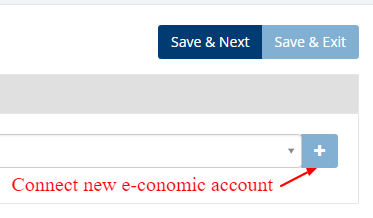
Click on ' + ' to connect new e-conomic account.
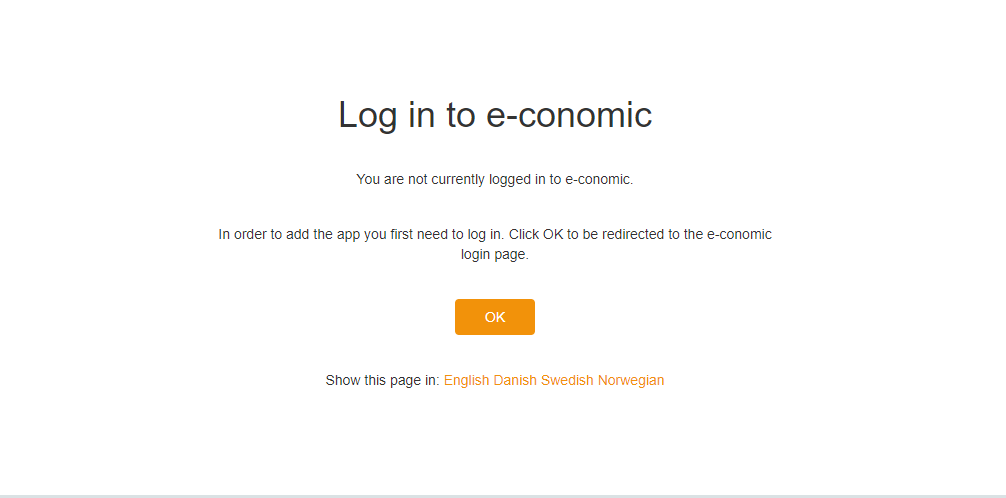
After Click on ' + ' you will redirect to below screen and click on 'OK' button.
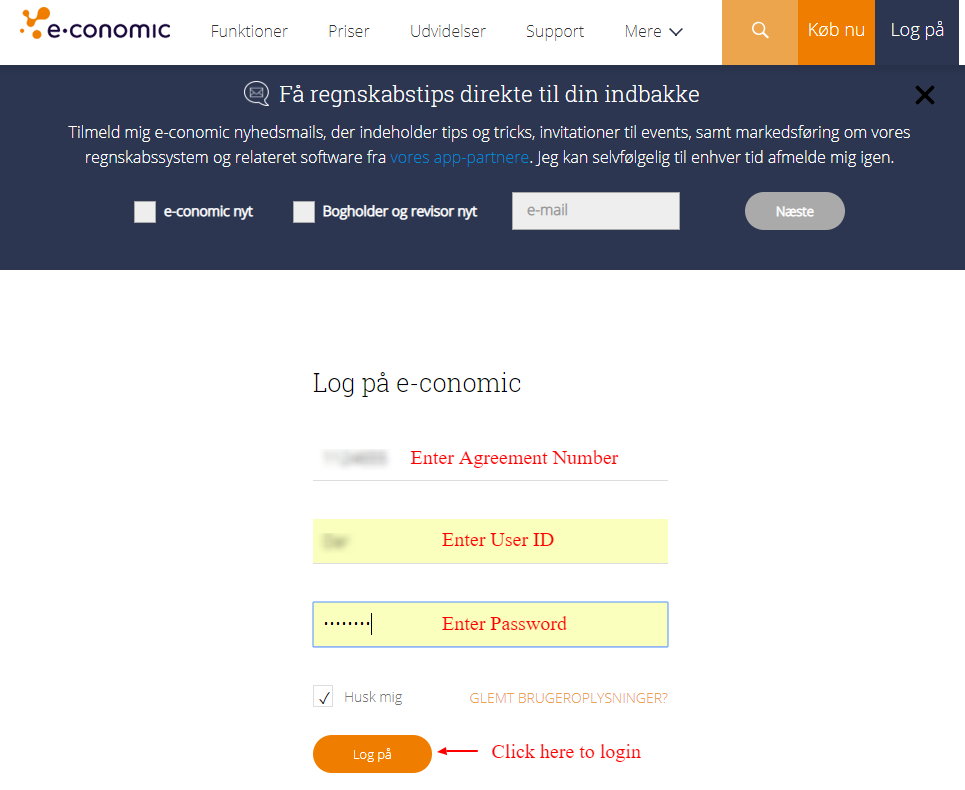
Provide e-conomic agreement number,user id and password and click to 'Sign in'.
After click on 'Sign in' you will navigate to below screen and click on 'Add app' button to connect e-conomic account to iPaaS.
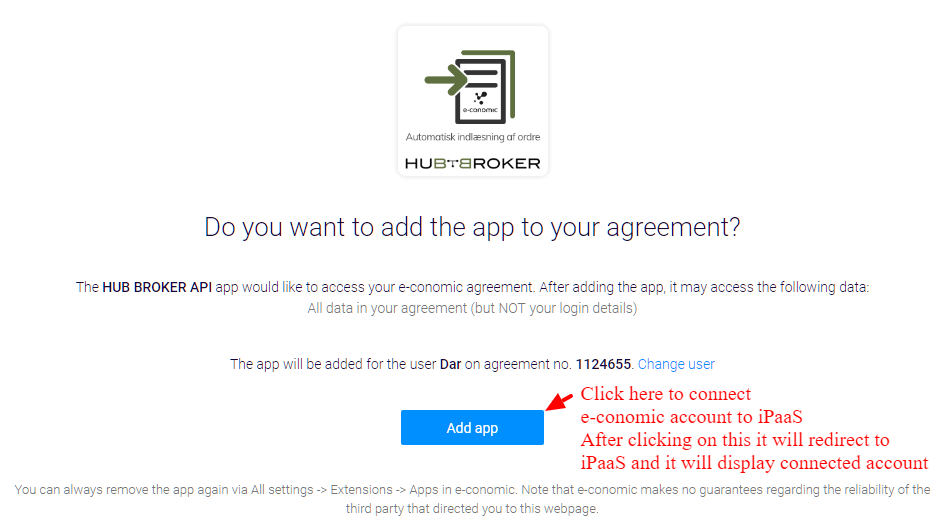
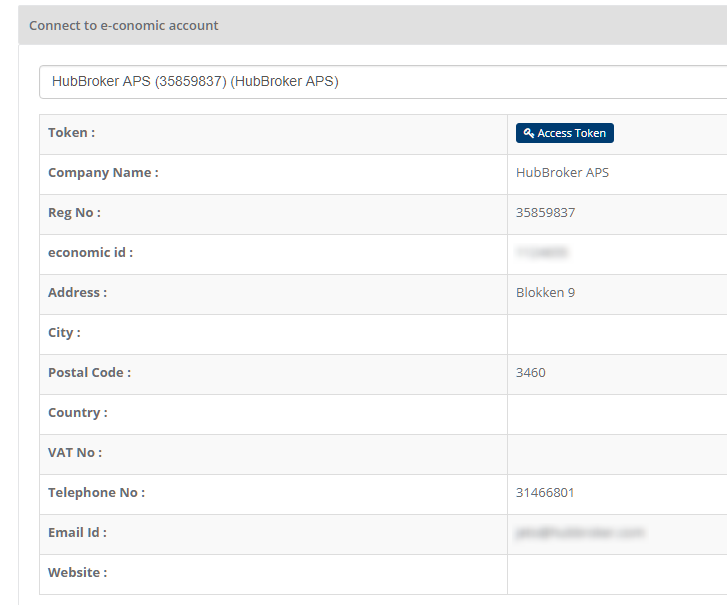
After clicking on 'Add app' it will display connected account.
Category: API Integration Documents
Last date of update: 25.09.2018
