Login Security Policy

Introduction
The Login Security Policy describes security standards for HubBroker ApS’ Integration Platform (iPaaS). The Login Security Policy defines the authentication and account-access controls used to protect access to the HubBroker iPaaS platform. These controls are designed to reduce the risk of unauthorized access, credential compromise and inappropriate access to customer data and integration information.
Login Security
1. New Registration
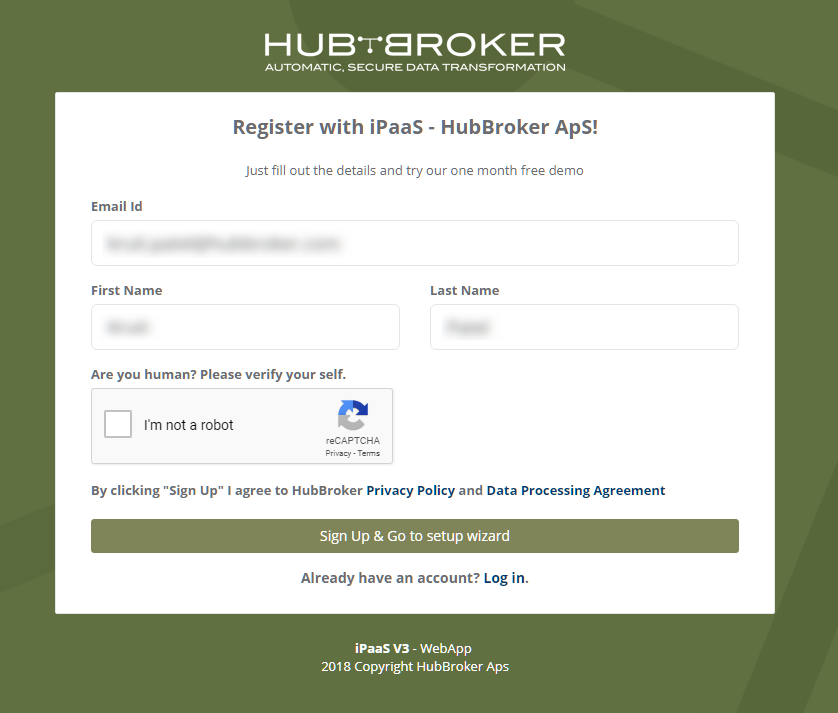
- New user registrations require verification of the registered email address through a time-limited, single-use activation link. Unverified accounts are not permitted to access protected platform functionality.
- The activation link will expire in 1 hour after the e-mail is sent to the user, so within 1 hour the user needs to activate the account using the link
- Automated-abuse protection, such as CAPTCHA used during registration to reduce automated account creation and abuse.
2. Login
- The iPaaS provides login and password policy for the user to avoid the login from unauthorized users
Authentication Error Handling
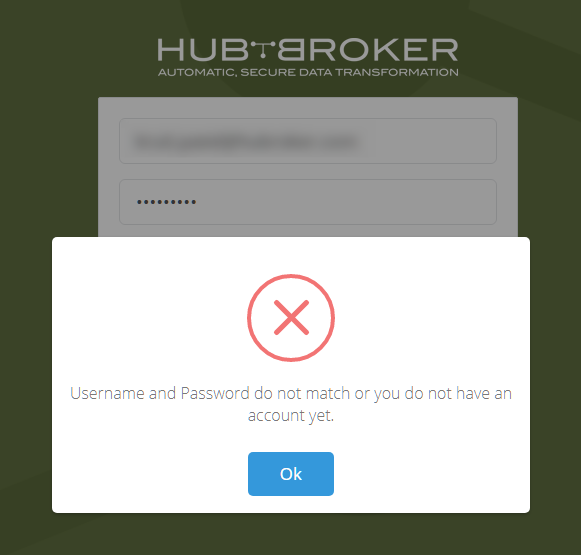
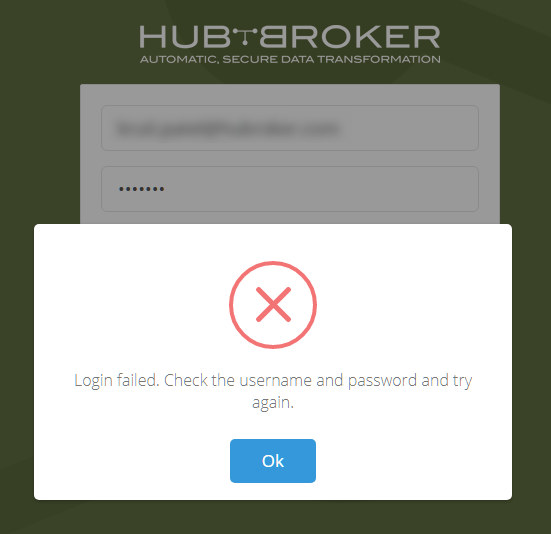
- When a user is giving wrong credentials (User id and/or Password) for login, then the user will be notified with different types of warning messages
- The iPaaS provides different warning messages per login attempt so that other systems or robots will not succeed at accessing the application at any time or they will not be able to judge the perfect message
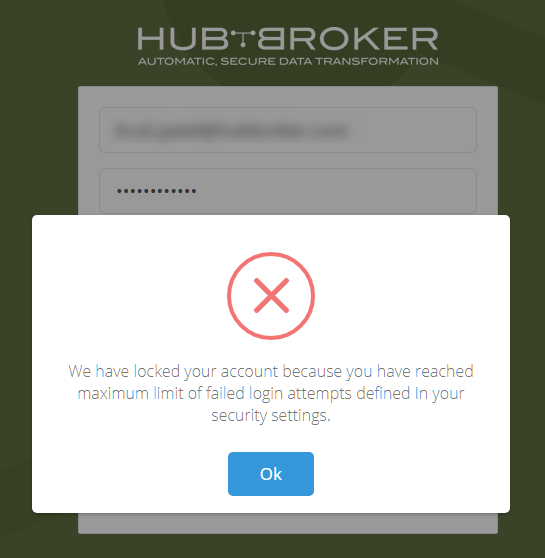
- iPaaS has the facility to set failed attempts in the user profile, so if failed attempts are set in profile then it will lock the account and will send the email to registered email id
Login Rate Limiting
Repeated failed authentication attempts are subject to rate limiting, throttling or account protection controls designed to reduce brute-force, password-spraying and credential-stuffing attacks.
3. Multi-Factor Authentication
HubBroker uses multi-factor authentication (MFA) to provide an additional layer of account protection beyond passwords.
MFA should be required for privileged or administrative accounts and enabled for other users according to platform and security requirements.

4. Single Sign-On (SSO) with Microsoft Entra ID
HubBroker iPaaS supports Single Sign-On (SSO) using Microsoft Entra ID for authorised users.
Microsoft Entra ID SSO allows users to authenticate to HubBroker iPaaS using their organisation-managed Microsoft identity instead of maintaining a separate iPaaS password.
Using Microsoft Entra ID SSO provides additional security and administrative benefits, including:
- Centralised identity and access management
- Reduced reliance on separate application passwords
- Support for Multi-Factor Authentication (MFA) through Microsoft Entra ID
- Application of organisational access and security policies
- Centralised user access revocation when an employee leaves or no longer requires access
- Improved control over privileged and authorised user access
- Reduced risk associated with password reuse across applications
Where Microsoft Entra ID SSO is enabled, authentication is performed through the customer's or HubBroker's configured Microsoft Entra ID environment according to the applicable access configuration.
Access to HubBroker iPaaS remains subject to HubBroker's role-based access controls and user authorisation requirements after successful identity authentication.
HubBroker recommends the use of Microsoft Entra ID SSO and MFA for organisations that require centrally managed authentication and stronger identity-security controls.

5. Password Recovery
Password reset requests use secure, time-limited and single-use reset mechanisms. Password recovery responses should not reveal whether an email address or user account exists within the platform.
After a successful password reset, existing sessions may be invalidated where appropriate.

6. Secure Transport
Registration, login and authenticated sessions are protected using HTTPS with supported TLS configurations. Authentication credentials and session information must not be transmitted over unencrypted connections.
7. Session Security
Authenticated sessions are protected using secure session-management controls. Sessions may expire after periods of inactivity or according to configured security requirements.
Users are required to reauthenticate where appropriate for sensitive account or security changes, and sessions are invalidated following logout or relevant account-security events.
8. Account Deactivation
Accounts that are no longer required may be disabled or removed according to HubBroker's access-control and user-management procedures.
Access should be revoked promptly when a user's authorization ends or when security circumstances require immediate restriction.
Category: Security Policy
Last date of update: 25.08.2026
